
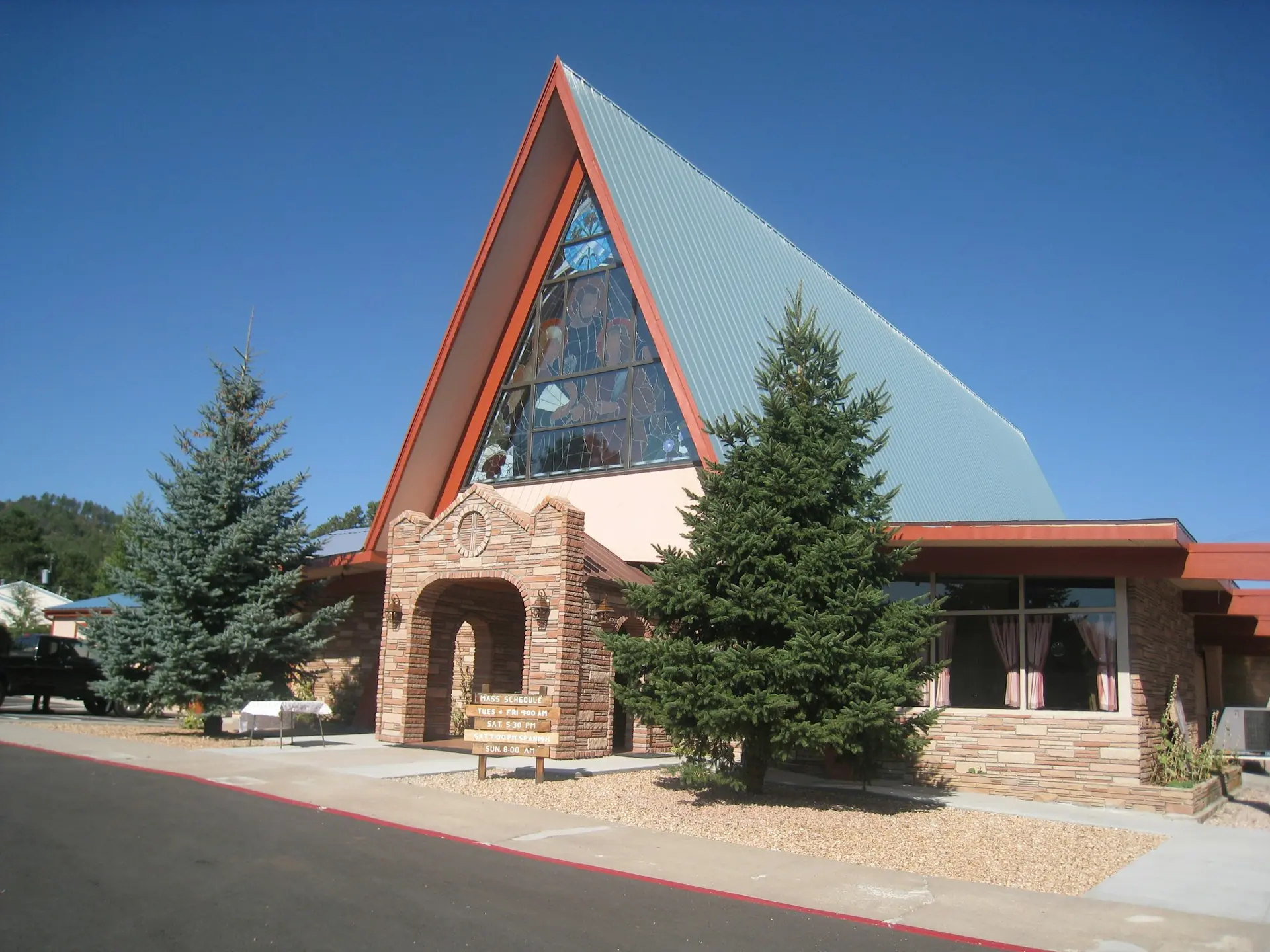
Church buildings and equipment are shared by many ministries, which is where most small conflicts start. The youth team and the choir both need the hall. The camera has not been seen since the conference.
One calendar for every space
Halls, classrooms, vehicles and equipment appear in one booking calendar. A clash is blocked before it is saved, and set-up time is added around each booking so a team is never locked out while the last group clears away.
Requests from your website
Visitors and outside groups can request a room from your church website, and you approve with one tap. That means fewer phone calls and fewer messages that get lost.
Keep an asset register
Know where every microphone, camera and chair is. Each item has one record with its purchase details and condition.
Check things in and out
Record who borrowed the camera and when it came back. Service reminders tell you before something is due, which is cheaper than repairing it afterwards.
QR labels
Print a QR label for each asset and stick it on. Scan it with a phone to open the record, check it out or note a fault.
Where to start
- Add your rooms and book the next month of regular use.
- Photograph and register your five most valuable items.
- Print QR labels and attach them this week.
- Share the booking page with your ministry leaders.
Order in the building is a quiet form of hospitality: it lets people focus on ministry.